
AI Background Remover Remove Image Backgrounds Instantly & Free

AI Background Remover | Remove Image Backgrounds Instantly & Free

Use our free AI-powered background remover to create professional transparent PNGs in seconds. High-quality, secure, and works directly in your browser. Perfect for e-commerce and design.

AI Background Remover Pro

Powered by Mkoky Premium API Lab

Click to Upload or Drag Photo

Experience Studio-Quality Background Removal

Connecting to Cloud AI… Please Wait
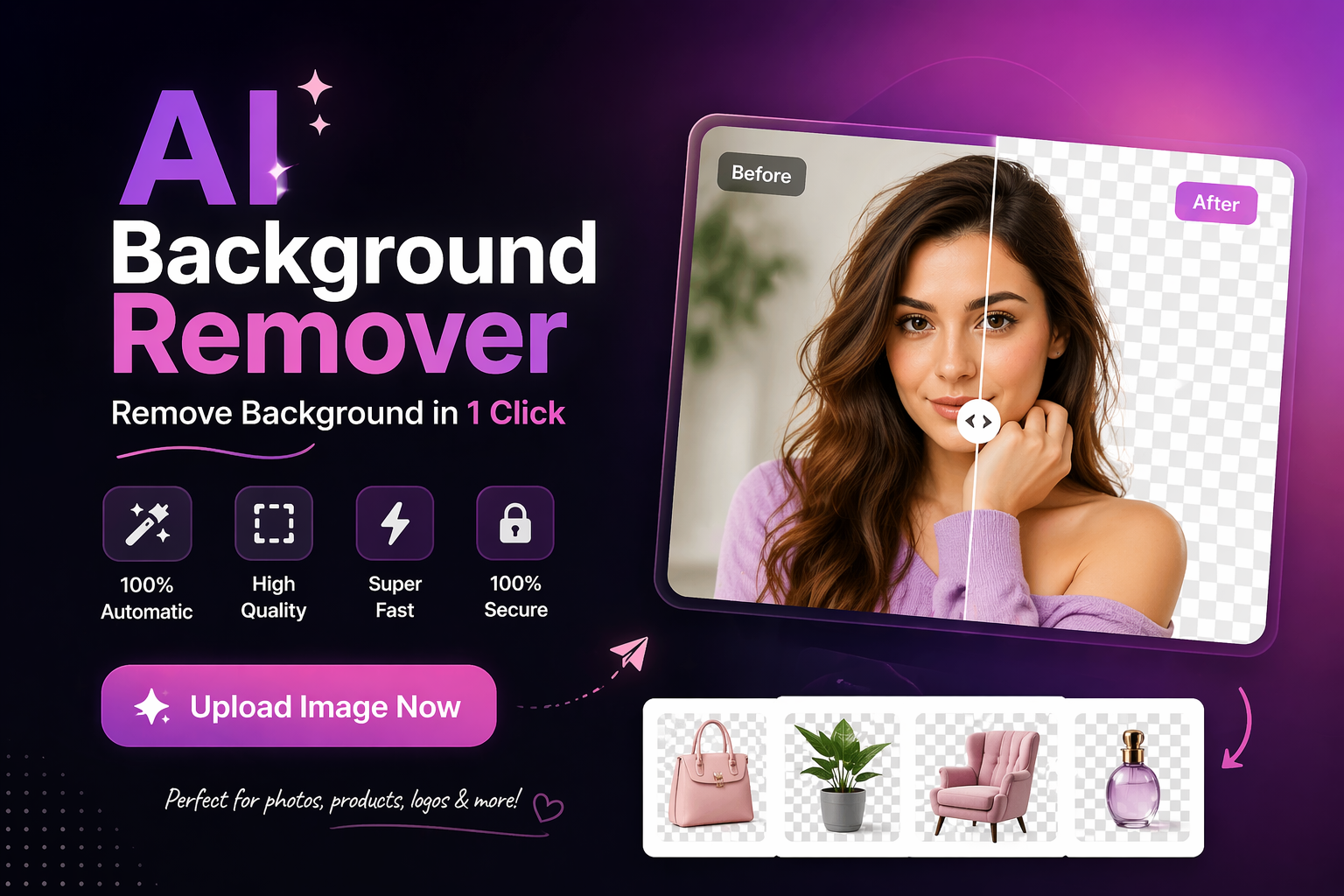
Mkoky Pro Result

Upload another photo

Professional AI Background Remover | Create Transparent PNGs for Free

In the world of e-commerce, digital marketing, and high-end graphic design, the ability to isolate a subject from its background is a superpower. Whether you are preparing product photos for Amazon Egypt, creating catchy YouTube thumbnails, or designing a professional resume, a clean image is essential. Welcome to the AI Background Remover by Mkoky Mag—a premium, free-to-use utility that puts the power of advanced machine learning right in your hands.

The Magic of Browser-Based AI

Unlike traditional tools that require you to upload your sensitive photos to a distant server, the Mkoky AI Background Remover works directly within your web browser. Using state-of-the-art “Selfie Segmentation” and “Object Detection” technology, our tool analyzes the pixels of your image locally. This means:

  • Total Privacy | Your images never leave your computer or smartphone.

  • No Subscription Needed | While other sites charge per image, Mkoky offers this service 100% free.

  • Instant Results | Get high-resolution transparent PNGs in a matter of seconds.

Perfect for Entrepreneurs and Content Creators

For digital entrepreneurs like Mohamed Gad, speed and efficiency are key. This tool is specifically optimized for:

  1. Affiliate Marketing | Quickly remove backgrounds from product shots to create high-converting promotional banners.

  2. Social Media Branding | Create “sticker-style” photos for your Instagram Stories or Snapchat snaps.

  3. Graphic Design | Save hours of manual “masking” in Photoshop; our AI handles the complex edges, including hair and fine details.

How to Achieve the Best Results

To get a perfect cutout every time using our AI Background Remover, follow these simple tips:

  • High Contrast | Choose images where the subject is clearly distinguished from the background color.

  • Good Lighting | Well-lit subjects help the AI identify edges with surgical precision.

  • Resolution Matters | While we support all sizes, high-resolution uploads yield the sharpest transparent results for printing.

Professional FAQ | Your Image Editing Questions Answered

Is there a limit to how many images I can process? No. Since the processing happens on your device, you can use the AI Background Remover as many times as you need without any restrictions.

What file formats are supported? We support all major formats, including JPG, JPEG, and PNG. The output will always be a high-quality, transparent PNG.

Does this tool work on mobile phones? Absolutely. Whether you are on an iPhone or an Android device, the Mkoky AI Background Remover is fully responsive and touch-optimized.